The Complete Technical SEO Checklist for Small Businesses
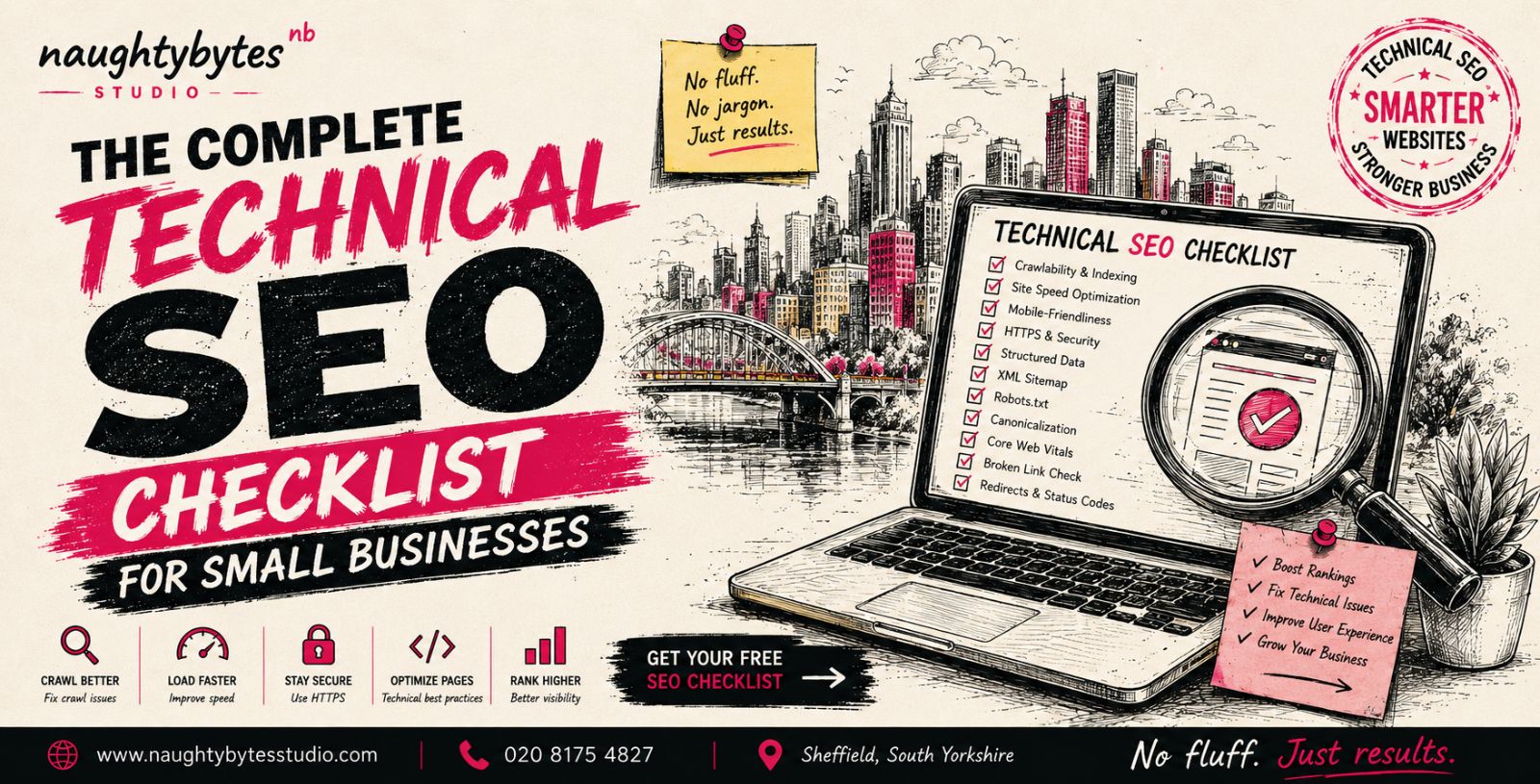
Your website might look great, but if search engines struggle to crawl, understand or index your content, potential customers may never find it.
That's where technical SEO comes in.
Technical SEO focuses on improving the parts of your website that affect how search engines access and evaluate your content. It doesn't replace quality content or link building, but it creates the foundation that allows both to perform well.
The good news is that you don't need a huge marketing budget to improve technical SEO. Small businesses can make meaningful improvements by following a structured checklist and fixing common issues over time.
In this guide, we'll walk through the most important technical SEO tasks every small business should focus on.
What Is SEO?
Search Engine Optimisation (SEO) is the process of improving a website to increase its visibility in search engine results pages (SERPs). It helps search engines understand your content and allows users to find your website when they search for relevant information, products or services.
SEO focuses on improving different aspects of a website, from the content users see to the technical elements that help search engines crawl and evaluate pages.
A successful SEO strategy usually includes three main areas:
On-Page SEO – Optimising website content, headings, keywords, title tags, meta descriptions and internal links to make pages more relevant.
Off-Page SEO – Building website authority through activities such as earning backlinks, brand mentions and improving online reputation.
Technical SEO – Improving the website infrastructure so search engines can access, crawl, index and understand content effectively.
SEO is not a one-time activity. It requires continuous improvements across content, website performance and authority signals to achieve long-term organic growth.
What Is Technical SEO?
Technical SEO is the process of optimising your website so search engines can crawl, index and understand your pages efficiently.
Unlike content optimisation or link building, technical SEO focuses on your website's infrastructure.
It includes areas such as:
Website speed
Mobile usability
Crawlability
Indexing
Site architecture
Structured data
HTTPS security
Core Web Vitals
A technically healthy website provides a better experience for both users and search engines, increasing the likelihood of higher rankings.
Why Technical SEO Matters
Even the best content may struggle to rank if your website has technical problems.
Technical SEO helps:
Improve search engine crawling
Increase indexation of important pages
Reduce website errors
Improve user experience
Increase website speed
Support higher organic rankings
Think of technical SEO as building strong foundations before decorating the house.
The Complete Technical SEO Checklist
1. Make Sure Google Can Crawl Your Website
If Google can't crawl your pages, it can't rank them.
Check that:
Important pages aren't blocked in robots.txt
Internal links are working correctly
Navigation is easy to follow
Every important page can be reached within a few clicks
You can monitor crawl issues through Google Search Console.
2. Check That Important Pages Are Indexed
Not every published page automatically appears in Google.
Search:
site:yourdomain.com
You can also use Google Search Console's Indexing reports to identify:
Excluded pages
Crawled but not indexed pages
Duplicate pages
Redirect issues
If important pages aren't indexed, investigate why before creating more content.
3. Improve Website Speed
Website speed is both a ranking factor and a user experience factor.
Slow websites often have:
Higher bounce rates
Lower conversions
Reduced engagement
Improve loading times by:
Compressing images
Using next-generation image formats
Reducing JavaScript
Removing unused CSS
Using browser caching
Choosing reliable hosting
Faster websites create better experiences for visitors.
4. Optimise Core Web Vitals
Google measures user experience using Core Web Vitals.
Pay attention to:
Largest Contentful Paint (LCP)
Measures how quickly the main content loads.
Aim for:
Under 2.5 seconds
Interaction to Next Paint (INP)
Measures how responsive your website feels after user interaction.
Lower values provide a smoother experience.
Cumulative Layout Shift (CLS)
Measures unexpected layout movement.
Avoid elements jumping around while pages load.
5. Ensure Your Website Is Mobile Friendly
Most users now browse on mobile devices.
Check that your website:
Adapts to smaller screens
Uses readable text sizes
Has clickable buttons
Loads quickly on mobile
Doesn't require horizontal scrolling
Google primarily uses mobile-first indexing, making mobile optimisation essential.
6. Use HTTPS Across Your Website
HTTPS protects visitor data and improves trust.
Check that:
Every page loads securely
Mixed content warnings are removed
HTTP redirects to HTTPS correctly
SSL certificates remain active
A secure website benefits both users and search engines.
7. Create a Clear Website Structure
Good site architecture helps both visitors and search engines.
A simple structure looks like:
Home
↓
Services
↓
Service Pages
↓
Supporting Blog Articles
Every important page should be logically connected through internal links.
8. Optimise Internal Linking
Internal links help Google discover content and understand relationships between pages.
Best practices include:
Linking related articles
Connecting service pages
Using descriptive anchor text
Avoiding orphan pages
For example, if you're learning about different SEO strategies, you can also read our guide on On-Page vs Off-Page SEO to understand how technical SEO supports broader optimisation efforts.
9. Fix Broken Links
Broken links create poor user experiences.
Regularly check for:
404 errors
Broken internal links
Broken external links
Incorrect redirects
Fixing these issues helps preserve authority across your website.
10. Optimise URL Structure
URLs should be:
Short
Descriptive
Easy to read
Keyword relevant
Good example:
/technical-seo-checklist
Avoid unnecessary numbers or random characters.
11. Optimise Title Tags and Meta Descriptions
Every important page should have unique:
Title tags
Meta descriptions
Good metadata helps search engines understand your pages while improving click-through rates.
12. Add Structured Data
Structured data helps search engines better understand your content.
Depending on your website, you may use:
Organisation schema
Local Business schema
FAQ schema
Article schema
Breadcrumb schema
Product schema
While schema doesn't directly improve rankings, it can increase visibility within search results.
13. Submit an XML Sitemap
An XML sitemap helps search engines discover important pages.
Ensure your sitemap:
Includes indexable pages
Excludes redirects
Updates automatically
Is submitted through Google Search Console
14. Review Your Robots.txt File
Your robots.txt file should guide search engines without accidentally blocking important pages.
Common mistakes include:
Blocking CSS or JavaScript
Blocking service pages
Blocking blog content
Review it carefully whenever your website changes.
15. Remove Duplicate Content
Duplicate content can confuse search engines.
Check for:
Duplicate page titles
Duplicate meta descriptions
Multiple versions of the same page
URL parameter duplicates
Use canonical tags where appropriate.
16. Check Redirects
Redirects should be clean and efficient.
Avoid:
Redirect chains
Redirect loops
Broken redirects
Always use permanent (301) redirects when moving pages permanently.
17. Optimise Images
Large images often slow websites considerably.
Optimise by:
Compressing images
Adding descriptive file names
Writing alt text
Serving appropriately sized images
Using WebP or AVIF where possible
18. Monitor Technical SEO Regularly
Technical SEO isn't a one-time task.
Review your website regularly using tools such as:
Google Search Console
Google PageSpeed Insights
Screaming Frog
Ahrefs Site Audit
SEMrush Site Audit
Routine monitoring helps identify issues before they affect rankings.
Common Technical SEO Mistakes
Small businesses often make the same technical mistakes, including:
Ignoring crawl errors
Publishing duplicate content
Slow page loading speeds
Missing meta tags
Broken internal links
Poor mobile usability
Missing structured data
Outdated XML sitemaps
Fixing these issues often provides quicker improvements than constantly publishing new content.
How Often Should You Perform a Technical SEO Audit?
A full technical SEO audit should be carried out at least every 3 to 6 months.
You should also perform an audit after:
Launching a new website
Redesigning your website
Migrating to a new platform
Large content updates
Significant traffic drops
Regular audits help maintain strong technical health as your website grows.
Final Thoughts
Technical SEO creates the foundation for every successful SEO strategy.
Without it, even the best content and strongest backlinks may struggle to perform.
By following this checklist, small businesses can improve website performance, make it easier for search engines to crawl and index pages, and create a better experience for visitors.
Remember that technical SEO works best when combined with high-quality content and authority building.
FAQs
What is technical SEO?
Technical SEO focuses on improving your website's infrastructure so search engines can crawl, index and understand your content more effectively.
Is technical SEO different from on-page SEO?
Yes. Technical SEO improves the backend and performance of your website, while on-page SEO focuses on content, keywords, headings and page optimisation. Learn more in our guide to On-Page vs Off-Page SEO.
How often should I perform a technical SEO audit?
Most small businesses should carry out a technical SEO audit every three to six months, or whenever significant website changes are made.
Can technical SEO improve Google rankings?
Technical SEO alone won't guarantee higher rankings, but it removes barriers that prevent search engines from crawling, indexing and evaluating your website properly.
Do small businesses need technical SEO?
Absolutely. Even a small website benefits from good technical SEO because it improves performance, user experience and visibility in search engines.
1. Improve Website Crawlability
2. Fix Indexing Issues

3. Optimise Website Speed
4. Improve Core Web Vitals

5. Ensure Mobile Optimisation

6. Strengthen Website Security

7. Create Better Site Structure
8. Optimise Internal Linking
9. Fix Technical Errors Regularly

10. Perform Regular SEO Audits
In short: Technical SEO improves your website’s crawlability, indexing, speed, security, and overall search performance. By fixing technical issues and optimising site structure, you create a better experience for users and search engines. Regular audits help maintain website health and support long-term rankings.